


FreedomBooks
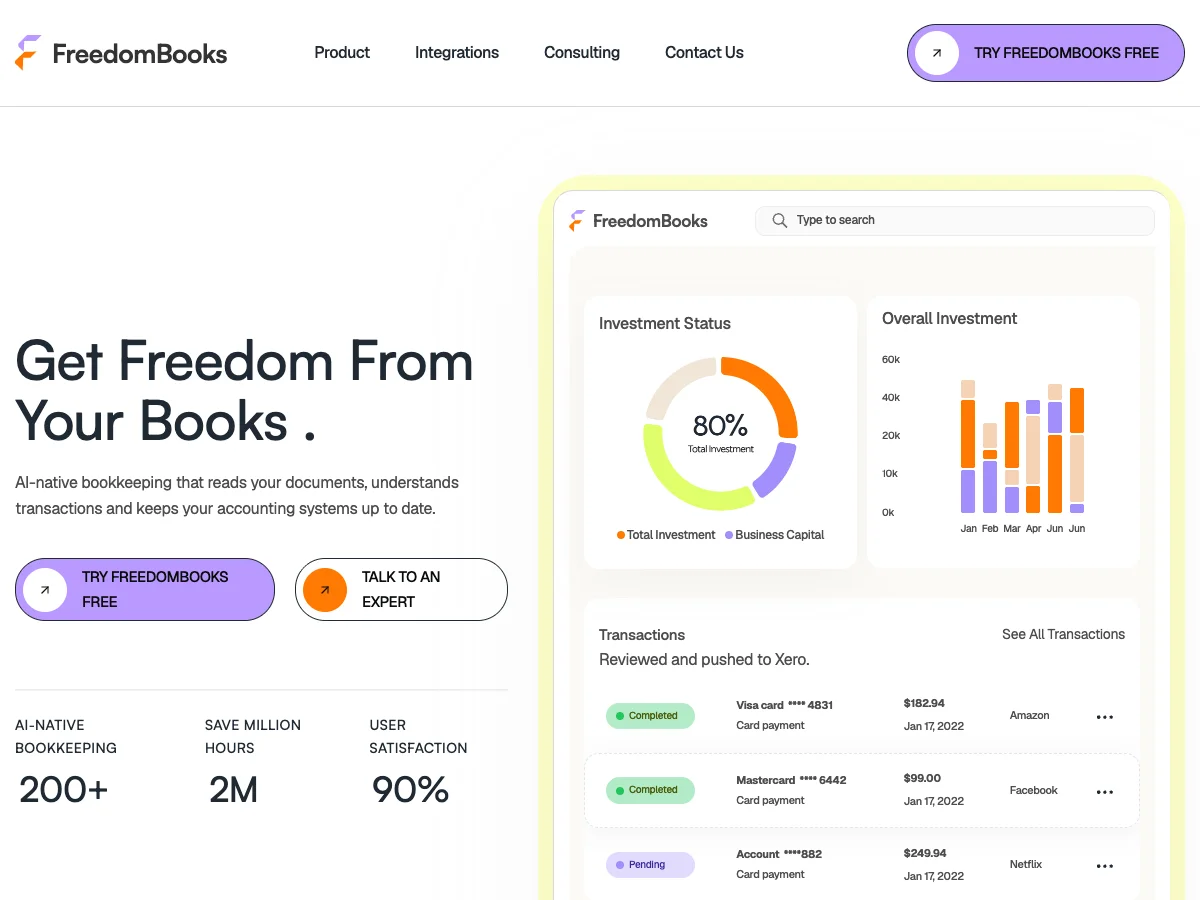
FreedomBooks markets an AI-native bookkeeping product. The home page hero walks through a document step by step: upload, reading, classification, then the transaction filed in the accounting system. The product screens and a dashboard mockup show how the work looks in use.
The site has product pages, an integrations page with a detail view for each accounting platform, a services page, a pricing page with monthly plans including a free tier, and a contact page. The contact form validates each field and shows messages that do not reveal why a submission failed.
The project includes its own checks for navigation, content security policy, forms, the sitemap and visual snapshots. These run as part of the project tooling, alongside lint and type checks.
Overview
Progress
- Home page with an animated hero that walks a document through to a filed transaction
- Product, integrations (with a detail view for each), services, pricing and contact pages
- Contact form with validation and safe error messages
- Project checks for navigation, content security policy, forms, sitemap and visual snapshots
- Confirm the plans and prices with the client
- Keep the integrations list current
- The dashboard on the home page is a mockup, not the live product
How it's built
The content lives in one file, and the project checks navigation, content security policy, forms, sitemap and visual snapshots on every change.
The contact form validates input and shows error messages that do not reveal failure details.
- Animated hero that walks a document from upload to a filed transaction
- Integrations page with a detail view for each accounting platform
- Pricing page with monthly plans, including a free tier
- Contact form with validation, and error messages that do not leak failure details
- Project tooling checks navigation, content security policy, forms, sitemap and visual snapshots
- Smooth scrolling with Lenis, kept in step with the page
My Approach